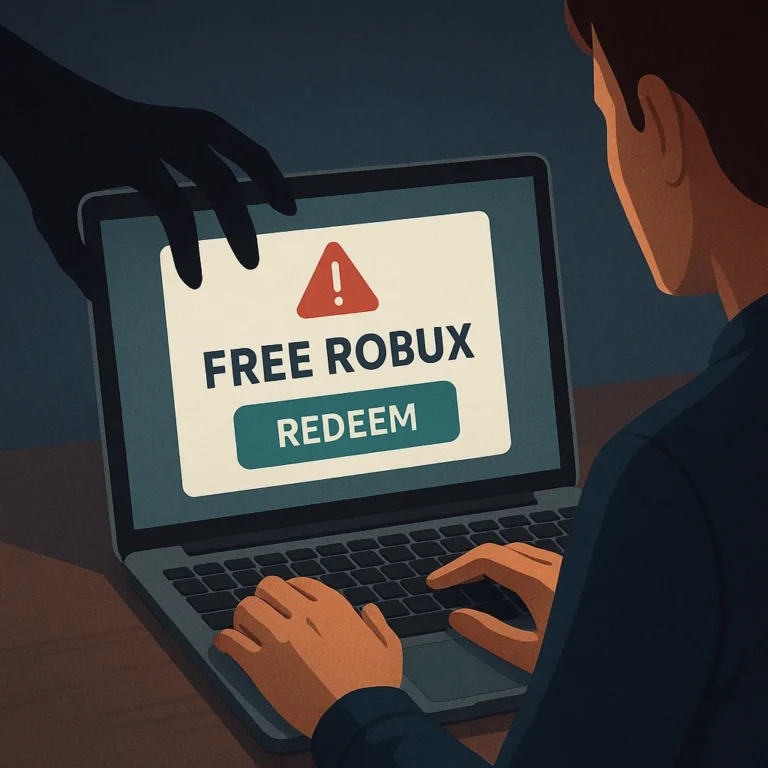
Free Robux generators are presented as easy tools that promise currency without payment, effort, or official approval. In practice, these sites commonly use misleading surveys, fake verification screens, or requests for sensitive information. Understanding how the schemes work can help players protect their accounts, devices, personal data, and time.
A safe response does not involve testing a generator, entering a username and password, or downloading an unfamiliar program. Instead, players should recognize warning signs, stop interacting with suspicious pages, secure affected accounts, and report abuse through appropriate platform channels. These steps reduce harm without relying on unverified promises.
Why Generator Promises Are Dangerous
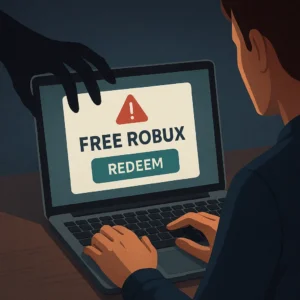
Robux generators usually imitate a service that cannot provide the result it advertises. A page may display a loading animation, claim that a large balance is being added, or ask the visitor to complete several tasks. These actions create the appearance of progress while benefiting the operator, not the player.
The promise of free currency also encourages rushed decisions. A visitor may overlook unusual spelling, a strange web address, intrusive advertisements, or demands for repeated verification. Scammers use urgency and excitement to make ordinary safety checks feel unnecessary, especially when a player believes an offer will disappear quickly.
Common deception patterns
- Fake progress bars that never complete
- Surveys that redirect through unrelated pages
- Messages claiming an account is selected or at risk
- Requests to install extensions, applications, or files
- Forms asking for passwords, security codes, or recovery details
How Credential Theft Happens
Some generator pages copy the appearance of a familiar login screen. After a player submits credentials, the information may be sent to the scam operator instead of the real service. The page can then show an error, request another verification step, or redirect the visitor so the theft is less obvious.
Reusing a password increases the potential damage. If the same password protects email, social accounts, or other services, an attacker may try it elsewhere. Even when a generator never obtains a password, collected usernames, email addresses, and answers can support later impersonation attempts.
Information that should stay private
- Passwords and one-time security codes
- Recovery email addresses and phone numbers
- Authentication prompts or backup codes
- Payment details and identity documents
- Downloaded files supplied by untrusted pages
Warning Signs Before You Interact
A request for a password is the clearest warning sign, but it is not the only one. Treat unexpected promises, excessive pop-ups, forced surveys, countdown timers, and claims of guaranteed currency as reasons to leave. A professional-looking design does not prove that a page is genuine or safe.
Be cautious when a site asks you to disable security software, paste commands into a terminal, install an extension, or allow unusual browser permissions. Those instructions can expose browsing activity, alter settings, or introduce unwanted software. Do not assume that comments, videos, or testimonials prove an offer is legitimate.
What to Do If You Visited a Scam
If you only opened a suspicious page and entered nothing, close it and avoid returning. Remove unexpected downloads without opening them, review recent browser permissions, and run a security scan using trusted, updated protection. Clearing a page from your history is optional, but deleting history alone does not secure an account.
If you entered a password, change it immediately through the real service’s official application or manually entered address. Create a unique replacement rather than a variation of the exposed password. Update that password anywhere else it was reused, beginning with email because email access can help control account recovery.
- Stop communicating with the suspicious page or sender.
- Change exposed passwords through a trusted route.
- Enable available multi-factor protection.
- Review sessions, devices, and account activity.
- Remove unfamiliar applications or browser extensions.
- Report the page and monitor the account for unusual changes.
How to Check and Recover an Account
After changing credentials, inspect account settings for unfamiliar email addresses, phone numbers, connected applications, or active sessions. Sign out devices you do not recognize and confirm that recovery information still belongs to you. Check messages for password changes or login alerts that you did not initiate.
If you cannot access the account, use the platform’s official recovery process rather than a search advertisement or social media helper. Provide only information requested by that process. Avoid people who promise guaranteed recovery in exchange for payment, credentials, codes, or remote access to your device.
Safer Ways to Handle Robux
Use only recognized, official purchasing or earning features provided inside the platform and follow the account holder’s normal approval process. Parents and guardians can discuss spending limits and review purchases together. No third-party generator, shortcut, or promotional claim should be treated as an approved source.
Players should also separate entertainment from pressure to spend. If a game, message, or video makes an urgent offer, pause and verify it independently through a trusted official channel. Never trade account access for currency, items, status, or promises that cannot be checked.
Reporting Suspicious Offers
Reporting helps platforms identify repeated scams and limit their reach. Save the page address, username, message, or advertisement details when doing so does not require further interaction. Use the platform’s built-in reporting tools, and report malicious files or deceptive messages through the relevant security service.
Do not publicly repost scam pages to warn others if doing so spreads the harmful address. Instead, describe the warning signs without encouraging clicks. Tell friends or family what happened, especially younger players, and explain that admitting a mistake quickly is safer than hiding it.
Building Better Account Habits
Strong habits make scam attempts less effective. Use unique passwords, protect the email connected to important accounts, keep devices and browsers updated, and review security notifications. Multi-factor protection can add another barrier, but codes should never be shared with someone who contacts you unexpectedly.
The most reliable shortcut is learning to stop before submitting information. A generator cannot be made trustworthy by repeated attempts, positive comments, or a convincing design. Leaving the page, securing the account, and reporting the attempt are practical actions that protect both players and their communities.