
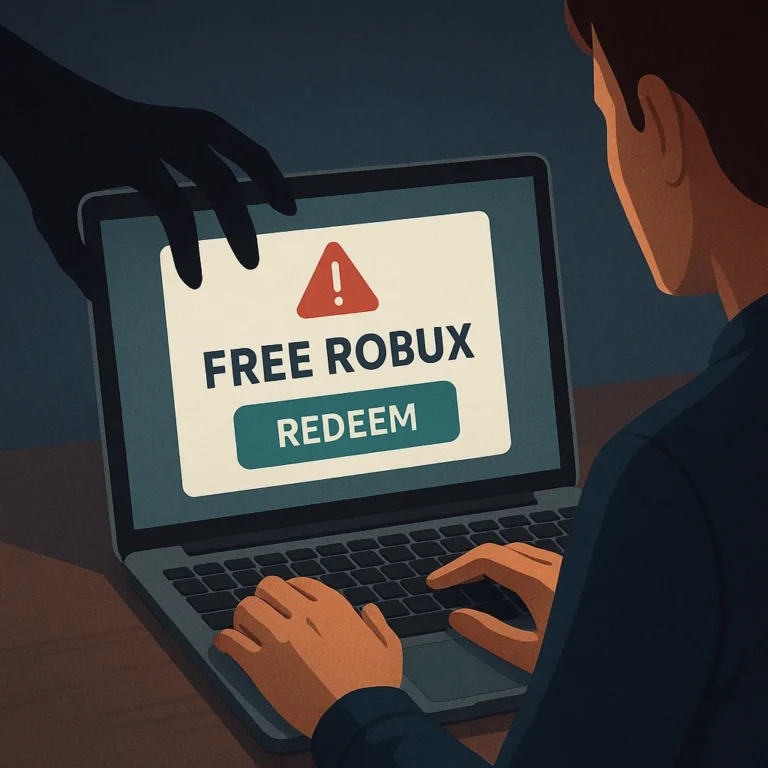
Roblox creators often protect visible game features while overlooking the accounts, files, and permissions that support them. A compromised login, careless collaborator setting, or untrusted plugin can disrupt a project quickly. Strong security is therefore part of production planning, not an afterthought reserved for serious incidents or large development teams.
A practical protection plan combines authentication, limited access, reliable backups, cautious file handling, and recovery preparation. These measures cannot remove every risk, but they can reduce avoidable exposure and make mistakes easier to contain. The goal is to preserve control of your account and project assets while keeping collaboration workable.
Strengthen the Account That Owns the Project
Begin with the Roblox account that owns, publishes, or administers important experiences and assets. Use a unique password that is not reused on email, social media, or other services. A password manager can generate and store a long credential, reducing the temptation to repeat a familiar password across multiple accounts.
Enable the strongest authentication options available in your Roblox account settings, and secure the associated email account as well. Authentication is only as dependable as the recovery channel behind it. If someone controls your email, they may be able to interfere with password resets, security alerts, or other account-recovery steps.
Review active sessions, connected devices, and security notifications periodically. Sign out of devices you no longer use, especially shared computers or machines that have been repaired or sold. Investigate unfamiliar activity without clicking suspicious messages. Open the official Roblox website or application directly instead of using a supplied login link.
- Use a unique password for the Roblox account and its recovery email.
- Keep authentication methods and recovery details current.
- Do not share verification codes, session details, or backup credentials.
- Check security alerts after travel, device changes, or unexpected prompts.
Separate Roles From Personal Credentials
Collaboration should not require handing another person your password. Use Roblox collaboration features, group roles, and project permissions where appropriate, assigning only the access needed for a specific task. A builder may not need publishing authority, while a tester may need access to a development version but not production settings.
Before adding a collaborator, confirm the account identity through a channel you already trust. Avoid granting access because of urgency, popularity, or claims that a person can improve exposure. Remove inactive collaborators promptly, and review permissions when a project changes hands, pauses, or moves from development into public release.
Keep ownership and administration responsibilities clear in your team records. At least one trusted person should know which account controls the project, where backups are stored, and how to contact contributors. Do not place every critical function with one casual account, but avoid adding unnecessary administrators merely for convenience.
Use a Permission Review Routine
Schedule a short permissions review whenever a milestone is completed or a contributor leaves. Compare each person’s current task with their current access, then reduce privileges that are no longer necessary. Record the date and reason for meaningful changes so the team can distinguish intentional updates from suspicious activity later.
- List owners, editors, testers, and publishing administrators.
- Remove dormant accounts and outdated invitations.
- Confirm that production access is limited to appropriate roles.
- Document who can approve releases or restore backups.
Protect Source Files and Project Assets
Roblox projects can include place files, models, textures, audio, scripts, configuration notes, and production credentials. Organize these materials so the team knows which copy is current and which files are safe to share. Keep private keys, personal information, and internal notes outside files intended for public distribution.
Use clear filenames and version markers rather than repeatedly overwriting one working copy. A simple structure might separate active work, review candidates, released versions, and archived backups. This organization helps creators identify what changed and recover a known version if a recent edit introduces corruption, deletion, or unwanted behavior.
Store backups in a separate location from the primary development device. If the only copy is on one computer, hardware failure, accidental deletion, or malware can affect both the project and its backup. Protect storage accounts with their own authentication, and restrict shared folders so private material is not exposed unnecessarily.
Make Backups Restorable
A backup is useful only if it can be found, opened, and understood. Test restoration with a copy rather than replacing the active project, and check that important scripts, dependencies, assets, and configuration notes remain available. Keep several dated versions so one damaged or compromised snapshot does not become the only recovery option.
- Save a dated project copy before major edits or releases.
- Keep a separate copy away from the main workstation.
- Record what each backup contains and which version it supports.
- Test a restoration periodically with a nonproduction copy.
Handle Plugins, Models, and Files Carefully
Third-party plugins, models, scripts, and asset packages can save time, but convenience does not make a file trustworthy. Treat unfamiliar downloads as unverified until you know their source, purpose, and expected behavior. Be especially cautious when a package requests unusual permissions, asks for credentials, or encourages disabling security controls.
Prefer reputable sources and examine creator information, update history, documentation, and community reports before installing anything important. These signals are not guarantees, so review the package yourself and test it in a duplicate project. Keep the test environment separate from the live experience and from confidential development files.
Watch for unexpected scripts, obfuscated code, unexplained remote requests, sudden performance changes, or assets that behave differently after insertion. If a file seems suspicious, stop using it, preserve the original for review if safe, and remove it from active projects. Do not forward questionable files to teammates as a casual warning.
- Download from sources you can identify and evaluate.
- Test new content in a disposable or duplicated project.
- Review scripts and permissions before placing assets into production.
- Keep security software and operating-system updates current.
Prepare for Suspicious Activity and Recovery
Decide in advance what your team will do if an account behaves unexpectedly, a project changes without approval, or a collaborator reports a suspicious file. Pause publishing and avoid making additional edits that could overwrite useful evidence. Record dates, device details, visible alerts, and recent changes using neutral, factual notes.
From a clean device, change the affected password and review authentication settings, sessions, recovery methods, and connected services. Secure the associated email account as well. If you cannot regain control or observe unauthorized changes, use Roblox’s official support and account-recovery processes rather than relying on unofficial individuals who promise immediate access.
After access is restored, compare the live project with a known-good backup and review recent permissions. Replace compromised credentials, remove unfamiliar collaborators, and inspect newly added scripts or assets. Tell contributors what happened without publishing private information. A calm, documented response helps the team avoid repeating the same exposure.
Build Security Into Everyday Production
Security works best as a routine rather than a one-time cleanup. Add account checks, permission reviews, backup tests, and file screening to milestone checklists. Keep the process lightweight enough that creators will actually use it, while making ownership and escalation clear when something looks wrong.
Teach collaborators that legitimate teammates should not request passwords, one-time codes, or unrestricted access as a shortcut. Encourage questions about unexpected invitations, urgent downloads, and unusual changes. A culture that rewards careful verification can prevent mistakes without blaming people who report concerns early.
Review this plan whenever your team, devices, tools, or project structure changes. Update recovery contacts and backup locations, remove access that no longer fits current roles, and replace outdated procedures with ones contributors understand. Consistent small checks protect creative work more reliably than a rushed response after an avoidable incident.